
The whole catalogue under one light
The problem was never one photo, it was four hundred. A new delivery every fortnight, each one shot at a different hour under different light — and the gallery stops reading as a shop and starts reading as a noticeboard.
- 280
- assets per month on the Scale plan
- 3
- formats from every credit: 1:1, 9:16 and 16:9
- 0
- photo shoots for the next delivery
What it looks like in practice
- 01
Variants that actually match each other
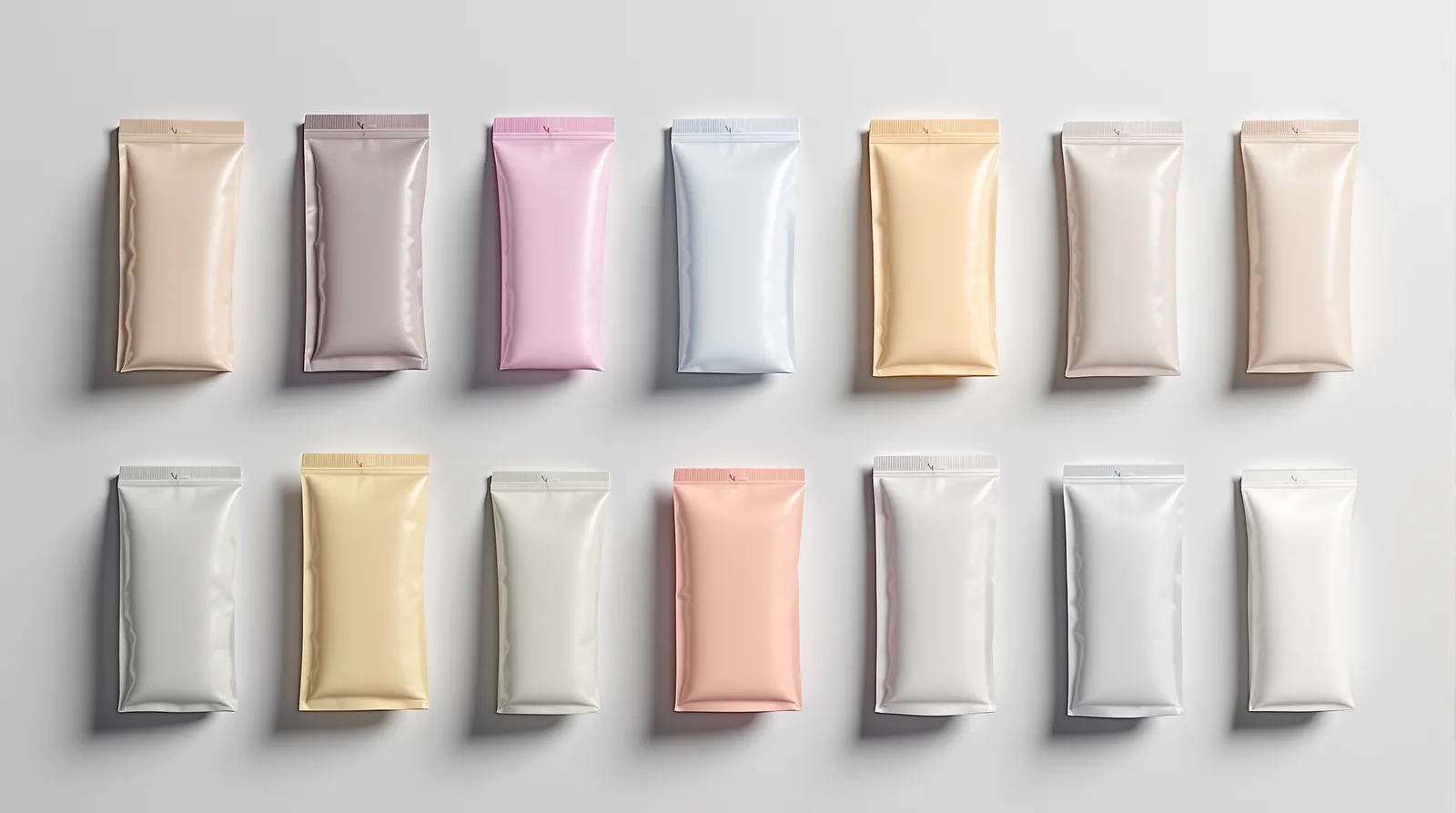
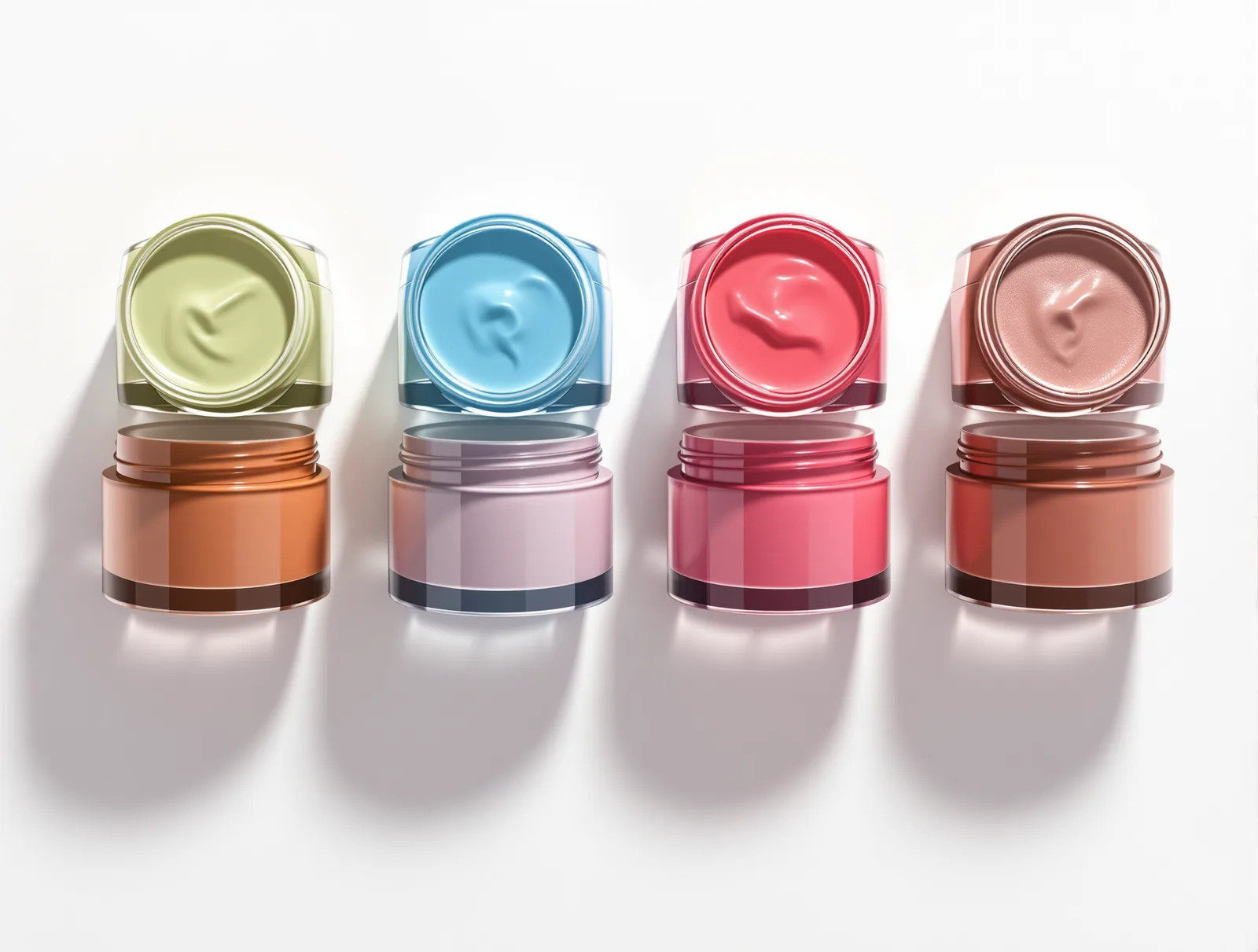
Six colours of one product shot separately means six different shadows and six shades of white. Here each variant gets the same light as the rest, so the product page stops looking assembled from pieces.
- 02
A thumbnail that wins in the results
On a results page you compete with a 200 px thumbnail, not with a description. The product comes out centred and filling the frame, without the dead margin that makes your item look smaller than the one beside it.

- 03
A whole delivery in one run
On the Scale plan you submit many SKUs at once and come back to a finished catalogue instead of clicking through product by product. Photos, variants and formats come out together in one session style.
Four colour variants of a cosmetic jar in one row, identical light and shadow under each.
Every example on this page was generated with our own model — none of them are photographs from a shoot or client work.
Eight products, one light
The products change; the light and the background never move. That is exactly what you cannot hold when every delivery is shot by someone else at some other time.
Every example on this page was generated with our own model — none of them are photographs from a shoot or client work.
From product to finished ad
- 1
Set a session style for the shop
Background, light direction and framing are saved once — on the Growth plan alongside your logo and brand colours.
- 2
Submit a delivery, not a single product
Warehouse or supplier photos go through as a batch. Every SKU comes out in the same look.
- 3
Export for listings, feeds and ads
One asset is a ready set of formats for marketplaces, your shop, Google Shopping and social.
Questions from this angle
Run one category through the model
40 free credits are enough to see a whole category in one look — no card required.