
Background and retouch
The photos you already have, minus the mess behind them
Not every shot needs redoing. Cut out the background, add a shadow that does not look pasted on, sharpen the detail and upscale the file to the size the listing demands.

Examples

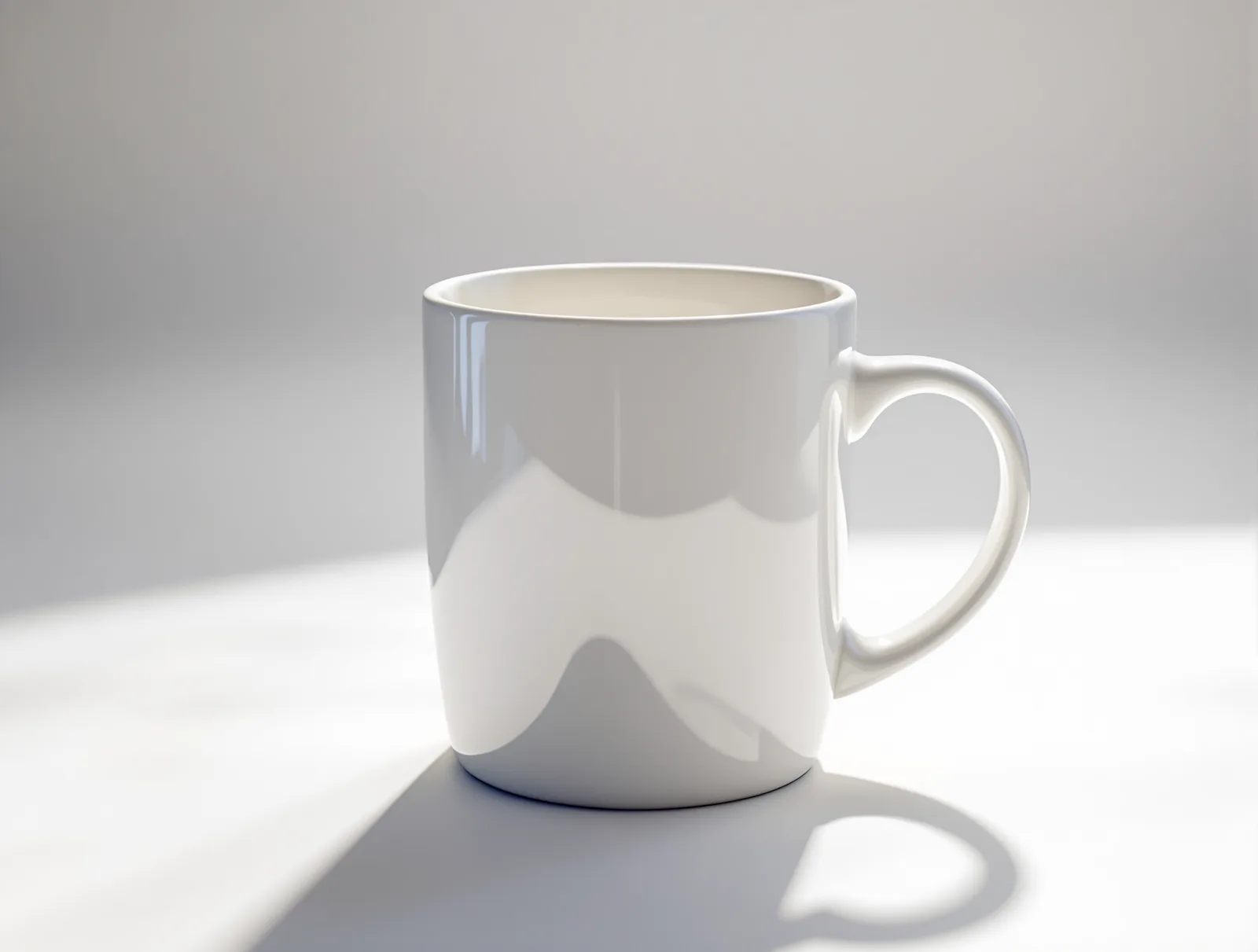
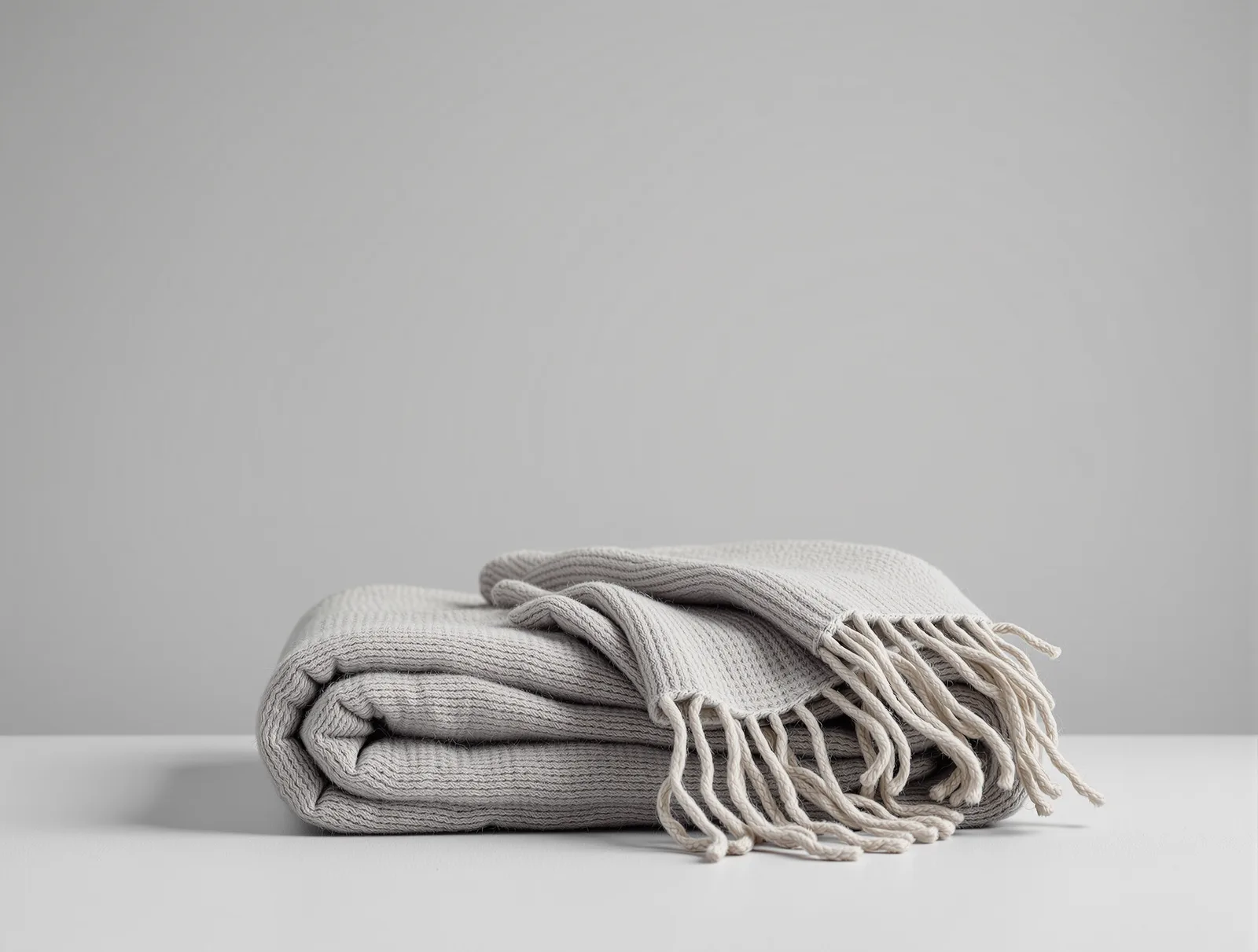
Every example on this page was generated with our own model — these are not studio photographs or client work.
What it changes in practice
- Cut along the edge, not around it
- Hair, fur and transparent glass come out without the tell-tale halo left by a rough mask.
- A shadow that looks like its own
- A product on white with no shadow floats. We add contact with the surface that matches the light direction in your shot.
- Scaled to listing requirements
- Allegro displays images up to 2560 × 2560 px, which is where zoom in a listing stops. An old phone photo gets there without going soft.
- A whole SKU pack at once
- The same treatment across dozens of photos, so the category comes out in one look.
Questions about this feature
Other features
- Product photosStudio, lifestyle and variants from one phone shot.
- Product video5–15 second clips for listings, Reels and TikTok.
- Ad graphicsCreatives with your logo, colours and claim.
- Marketplace formatsFrames for marketplaces, shop and social — no cropping.
- UGC video with an avatarA recommendation with a face, without the casting.
- Ad copyHeadlines, descriptions and claims.
- Instant adsA whole creative pack from one product link.
Try it on your own product
Create an account without a card and get 40 credits. Enough for a full set of photos, graphics and video for your first few products.