
Bria Product Shot your product, a new scene
The only model on the roster that works the other way round. Everywhere else the photo is a hint and the product is built from the brief. Here the product is what you uploaded — the model builds the scene and the light around it, and the object itself stays exactly the same.
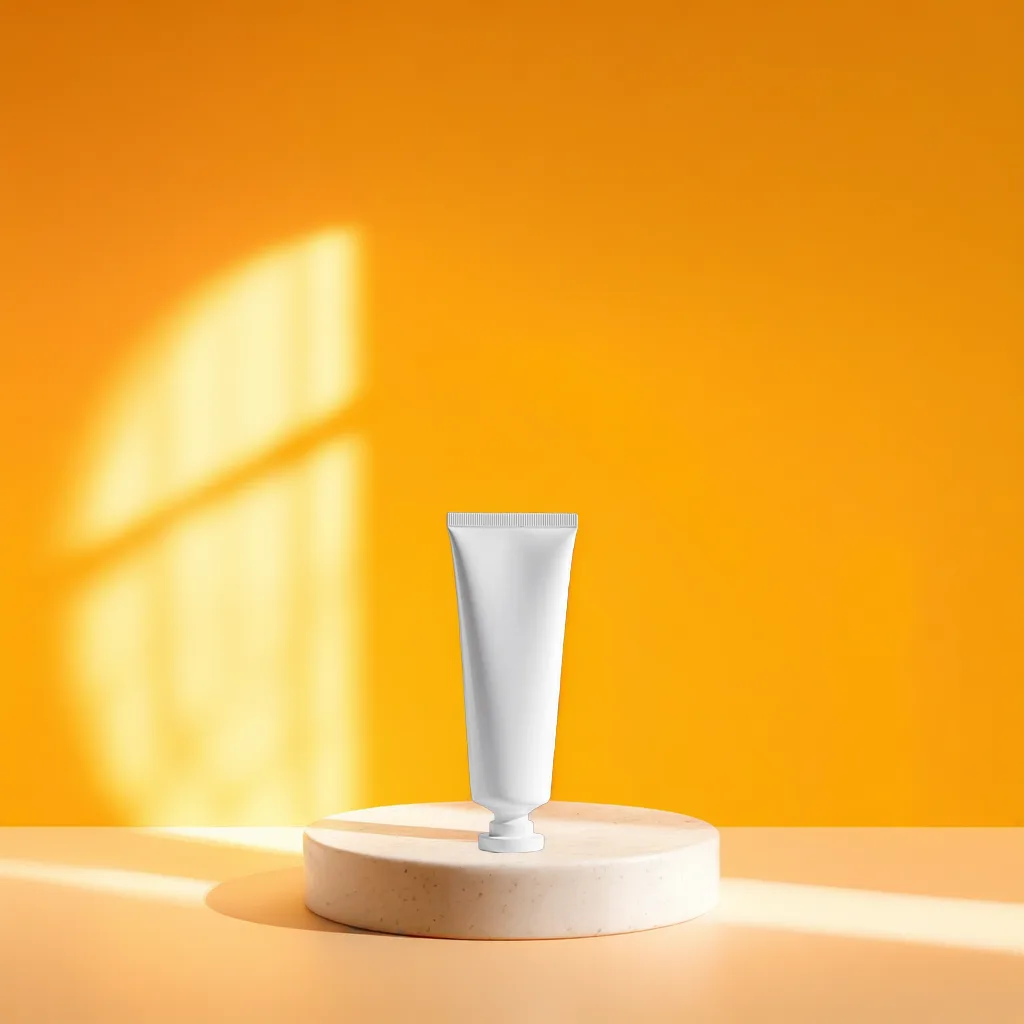
Rendered by this model
Specification
- Built by
- Bria
- Starts from
- your own photo
- Size
- ≈ 1 Mpx, 512 – 1600 px
- Reference photos
- 1
- Render time
- about 20s
- Cost
- 1 credit per image
What it is good for
- The product stays itself
- Shape, colour, label and proportion come from the photo, not from the brief. On a listing where the buyer gets exactly what they see, that is the only safe way to work.
- You describe only the scene
- You do not have to describe the product — you write where it stands and how the light falls. A short sentence is enough, because the model expands it itself.
- Controlled placement in frame
- The product is seated at a named position rather than wherever it lands, so a series of scenes holds the same composition.
When to pick something else
Without a photo it does nothing — it is the only model here for which a file is a requirement rather than an option. It works in a narrow size window, around a million pixels, so do not expect a large file for print. It will not write a word of text on the frame either, and it will not change the product: if you want a different colour or material, you need a model that generates the product — Nano Banana Pro with reference photos, or Seedream 4.
See every modelHow to brief this model
The things this engine handles differently from the rest. The habits that hold for every model are collected separately, in the help centre.
- Describe only the scene, never the product. Your photograph is the subject here, and the brief says only where to put it and how to light it.
- Upload a photograph with the background already cut out, or a plain one. The less background there is to remove, the less the model invents at the product edge.
- Choose the placement setting rather than describing it in words. This engine has a separate field for it and hits the mark more precisely than a sentence in the brief.
- Do not expect a large file. The model works in a narrow window of about one megapixel, so this frame will not go to print.
- Do not ask it to change the product or to set type. A different colour or material is not possible — for that you need Nano Banana Pro with reference photographs, or Seedream 4.
Questions about this model
Other models
- Nano Banana ProOne model for photos and for graphics. The most versatile on the roster.
- Seedream 5.0 ProExact pixel sizes and the widest frames. For formats the rest cannot hold.
- FLUX1.1 Pro UltraMaterial texture and believable light. For photos that should look like photos.
- FLUX.1 KreaA photo that does not look generated. Less gloss, more truth.
- Seedream 4Up to 4096 px on a clean background. The default for a listing's first photo.
- FLUX.1 DevFifteen seconds a frame. A solid middle between speed and quality.
- FLUX.1 SchnellSix seconds a frame. For checking an idea, not for finishing one.
- Krea 2 TurboEight seconds and a frame with a clear character. For mood shots.
- Qwen Image 3Correct Polish text and a clean layout. For graphics with a headline.
- Ideogram V3The best typography on the roster. For graphics where the text is the subject.
- Ideogram V4Ideogram's typography at up to 3840 px. For large creative.
- Nano Banana 28:1 and 1:8 frames the rest cannot do. For banners at extreme ratios.
- FLUX.2 ProDeep colour and glass with reflections. For creative from the top shelf.
- GPT Image 2Does exactly what you wrote. For graphics with callouts and leader lines.
- Z-Image TurboTen seconds to a clean composition. You add the text yourself, in the editor.
Try this model on your own product
Sign up without a card and get 40 credits. Switching model is one click, so you can send the same brief through several of them and keep the best frame.