
Nano Banana Pro does the photo and the graphic
The only model that is our default for two jobs at once: the product shoot and the ad creative. It takes up to fourteen reference photos, so it knows what your particular product looks like rather than the category it belongs to.
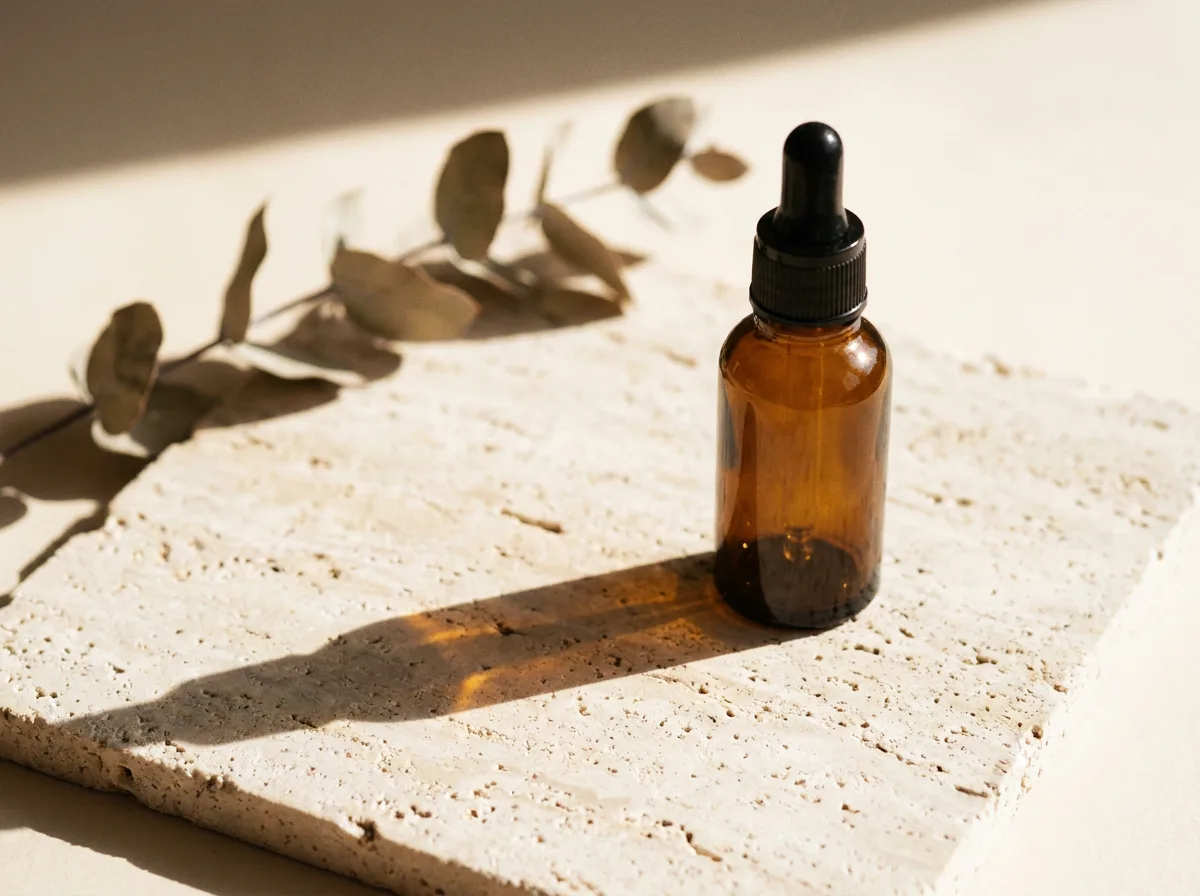
Rendered by this model
Specification
- Built by
- Starts from
- a written brief · reference photos
- Aspect ratios
- 21:9 · 16:9 · 3:2 · 4:3 · 5:4 · 1:1 · 4:5 · 3:4 · 2:3 · 9:16
- Reference photos
- 14
- Render time
- about 40s
- Cost
- 1 credit per image
What it is good for
- Fourteen reference photos
- The most on the roster, tied with Nano Banana 2. Upload the product from several angles and the model holds the same shape, colour and proportions across the series instead of inventing it again for every frame.
- Reads a long brief
- It handles a compound instruction: direction of light, depth of field, what belongs in the background, what must stay out of frame. A short brief wastes this model.
- Spells Polish correctly
- One of four models on the roster you can trust with Polish text in the image, diacritics included. So you do not have to change model when you move from a photo to a graphic with a headline on it.
When to pick something else
It will not make a leaderboard banner. It takes ratios from a fixed list and the widest is 21:9 — ask for 8:1 and it will not refuse, it will quietly hand back a different shape and charge a credit for it. For very wide formats use Nano Banana 2 or Seedream 5.0 Pro. It is also the slowest image model in the set at around forty seconds a frame, so for flipping through a few ideas FLUX.1 Schnell is the better tool.
See every modelHow to brief this model
The things this engine handles differently from the rest. The habits that hold for every model are collected separately, in the help centre.
- Check the aspect ratio before you render. This model takes ratios from a closed list, and asked for one that is not on it, it will not refuse — it quietly returns a different shape and bills the credit.
- Use the long brief. This is one of the few engines that does not drop the fourth and fifth condition, so material, light, background and framing can all go in one sentence.
- Upload every photograph of the product you have — it takes fourteen. The more sides it sees, the less it invents the back of the packaging.
- Put the headline in quotation marks and spell it exactly. Polish characters come out correctly here, but the model writes what it was given, so a typo in the brief ends up on the graphic.
- Do not use it to browse ideas. Forty seconds a frame across four versions is nearly three minutes of waiting — at that stage use FLUX.1 Schnell.
Questions about this model
Other models
- Seedream 5.0 ProExact pixel sizes and the widest frames. For formats the rest cannot hold.
- FLUX1.1 Pro UltraMaterial texture and believable light. For photos that should look like photos.
- FLUX.1 KreaA photo that does not look generated. Less gloss, more truth.
- Seedream 4Up to 4096 px on a clean background. The default for a listing's first photo.
- FLUX.1 DevFifteen seconds a frame. A solid middle between speed and quality.
- FLUX.1 SchnellSix seconds a frame. For checking an idea, not for finishing one.
- Krea 2 TurboEight seconds and a frame with a clear character. For mood shots.
- Qwen Image 3Correct Polish text and a clean layout. For graphics with a headline.
- Ideogram V3The best typography on the roster. For graphics where the text is the subject.
- Ideogram V4Ideogram's typography at up to 3840 px. For large creative.
- Nano Banana 28:1 and 1:8 frames the rest cannot do. For banners at extreme ratios.
- FLUX.2 ProDeep colour and glass with reflections. For creative from the top shelf.
- GPT Image 2Does exactly what you wrote. For graphics with callouts and leader lines.
- Z-Image TurboTen seconds to a clean composition. You add the text yourself, in the editor.
- Bria Product ShotYour photo, a new scene. The product stays exactly the same.
Try this model on your own product
Sign up without a card and get 40 credits. Switching model is one click, so you can send the same brief through several of them and keep the best frame.