
Meshy 7 when the model does not stop at the product page
A file that only spins in a browser can have any mesh at all — nobody will ever see it. A file somebody opens and corrects cannot: an uneven mesh turns a ten-minute change into an hour of tidying up. This engine remeshes its result into evenly sized faces rather than handing back whatever fell out of the reconstruction.
Rendered by this model
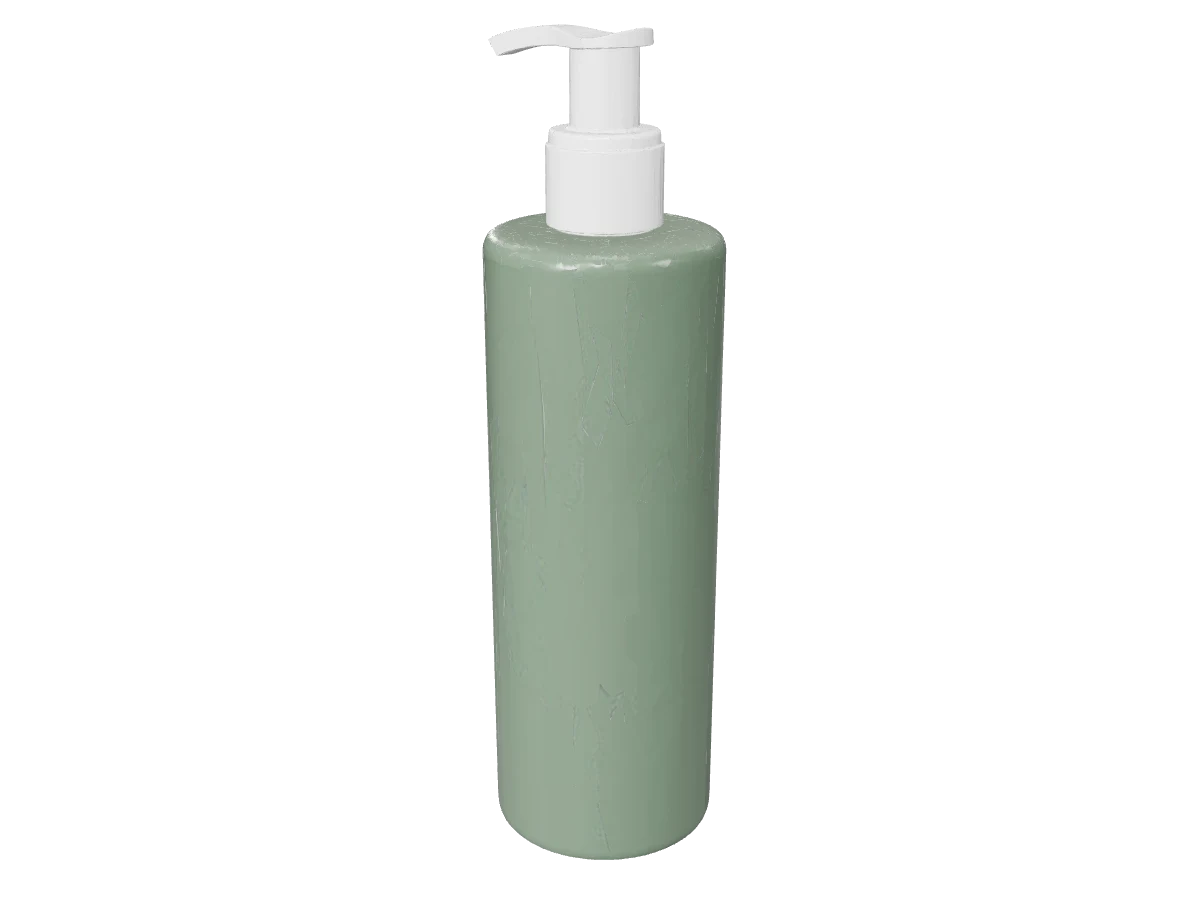
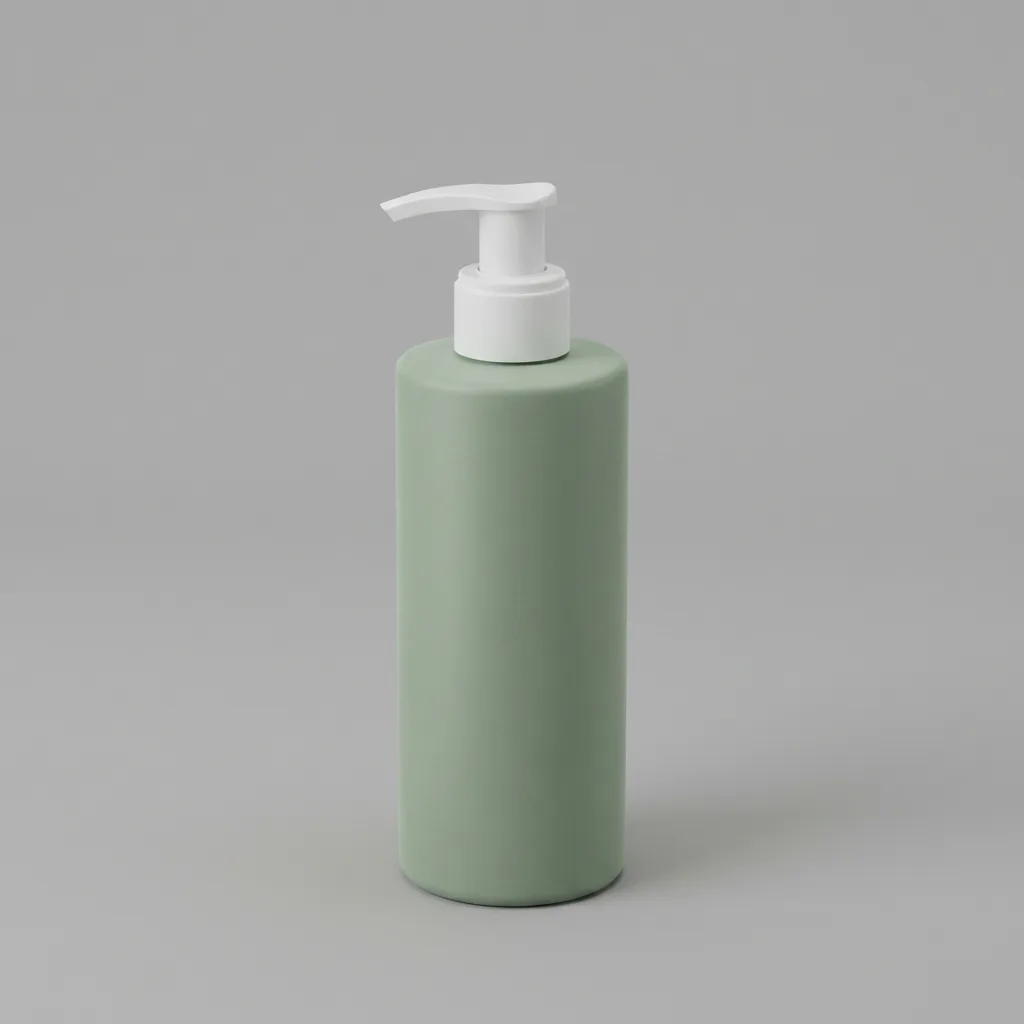
The mesh was reconstructed from this photograph:
The sample is rendered with PBR materials on. Textures in the file served here are downsampled to 1024px so it opens on a phone; the geometry and the set of maps are as the engine returned them.
Specification
- Built by
- Meshy
- Starts from
- your own photo · a written brief
- File format
- GLB
- Textures
- PBR — separate metallic, roughness and normal maps
- Face budget
- 30,000 for the web, 200,000 at high detail
- Reference photos
- 1
- Render time
- about 150s
- Cost
- 1 credit per model
What it is good for
- Remeshed, not raw
- The app asks this engine to remesh on every job. You see the difference in a modelling program: faces are close to the same size and evenly distributed, so selecting an edge or smoothing a section does what you expect it to.
- A straight wall stays straight
- The outline of our bottle runs from cap to base without waver, and the thin pump nozzle came back as its own form. A straight profile is harder for these engines than it looks: the wobble of a reconstruction has nowhere to hide on one, so it shows up in the silhouette rather than in the texture.
- Thirty thousand faces, or two hundred
- The "For the web" setting asks for thirty thousand faces; high detail asks for two hundred thousand and the full set of materials. Our sample came out at 29,019 triangles with the full set of three material maps, which is what this engine is chosen for.
When to pick something else
It is neither the fastest nor the lightest. The wait is about two and a half minutes, roughly seven times longer than Trellis, and its textures come back at 2048 pixels weighing 4.4 MB together — four times what the same set of maps costs from Tripo. If this is a first test and you only want to know whether the photograph will do, start with Trellis; if the model is going straight onto a listing and nobody will ever open it again, Tripo is enough and will be lighter. This engine is the one to pick when the file is headed for a modelling program, because there what matters is a mesh you can select and correct rather than kilobytes.
See every modelHow to brief this model
The things this engine handles differently from the rest. The habits that hold for every model are collected separately, in the help centre.
- Choose it when the model goes further than a product card. The mesh here is recalculated rather than raw, so it opens in a 3D program without tidying up.
- Give it products with a simple profile. The wall of our bottle did not waver over its whole length, and that is what shows up fastest in a silhouette.
- Stay at thirty thousand faces for a web page. Order two hundred thousand only when the model is to be rendered rather than displayed in a browser.
- Plan for the wait: about two and a half minutes, not the twenty seconds Trellis takes. Use Trellis for the first test and come here for the version you will use.
- Upload a photograph rather than describing the product. This engine takes a description, but then you get an object from your category rather than your own item.
Questions about this model
Try this model on your own product
Sign up without a card and get 40 credits. Switching model is one click, so you can send the same brief through several of them and keep the best frame.